Customer lead arrives
A supported lead notification reaches your Android phone.
 Lead Ai Toolby RaM ed Care
You do your work with full concentration. Lead Ai Tool watches supported Justdial, IndiaMART, Meta Ads WhatsApp and TradeIndia enquiries. When a recognised lead arrives, it gives a clear voice alert, shows the call action and keeps multiple leads in order. After a verified call, it sends the saved SMS automatically and prepares the same greeting in WhatsApp Business for you to review and tap Send.
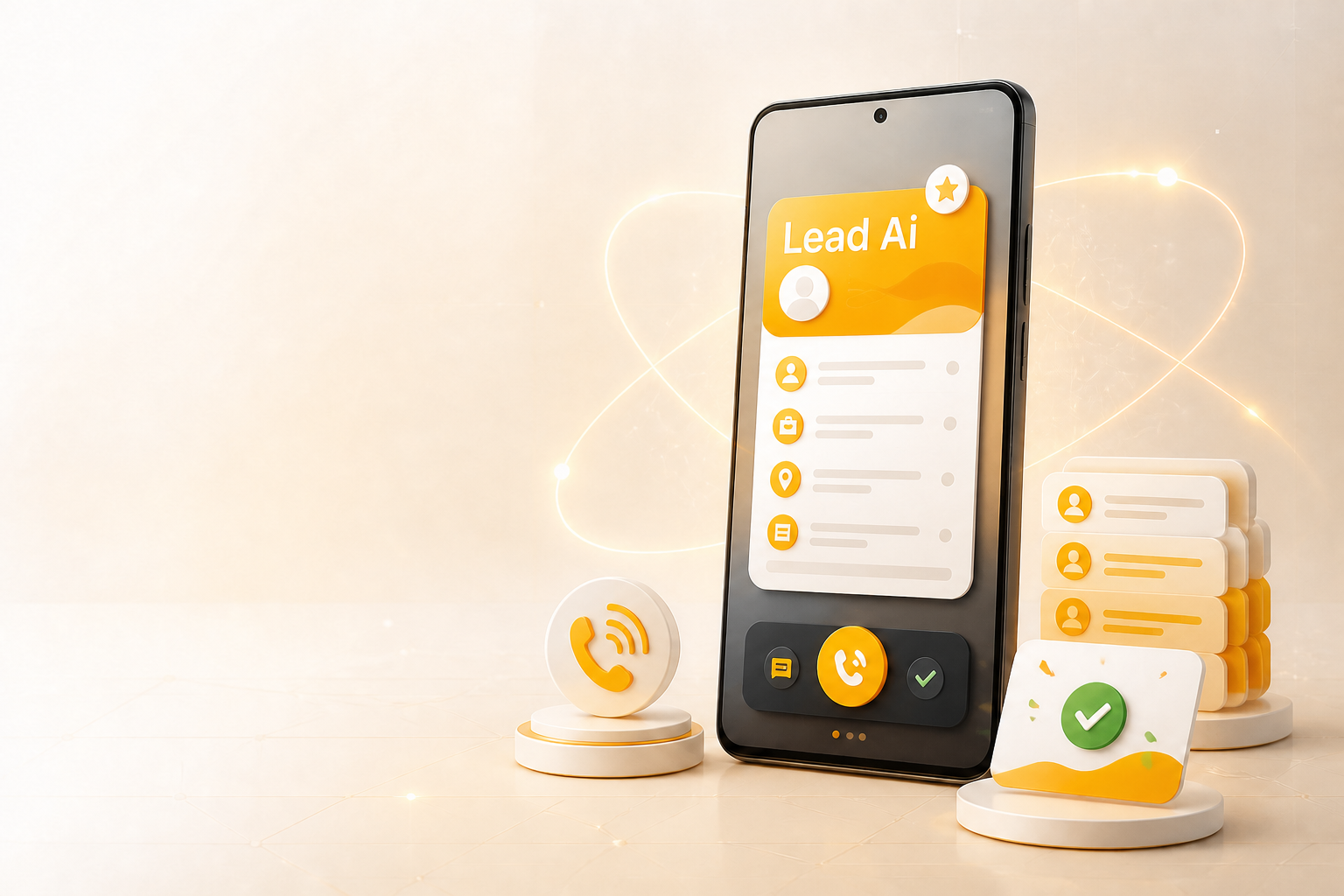
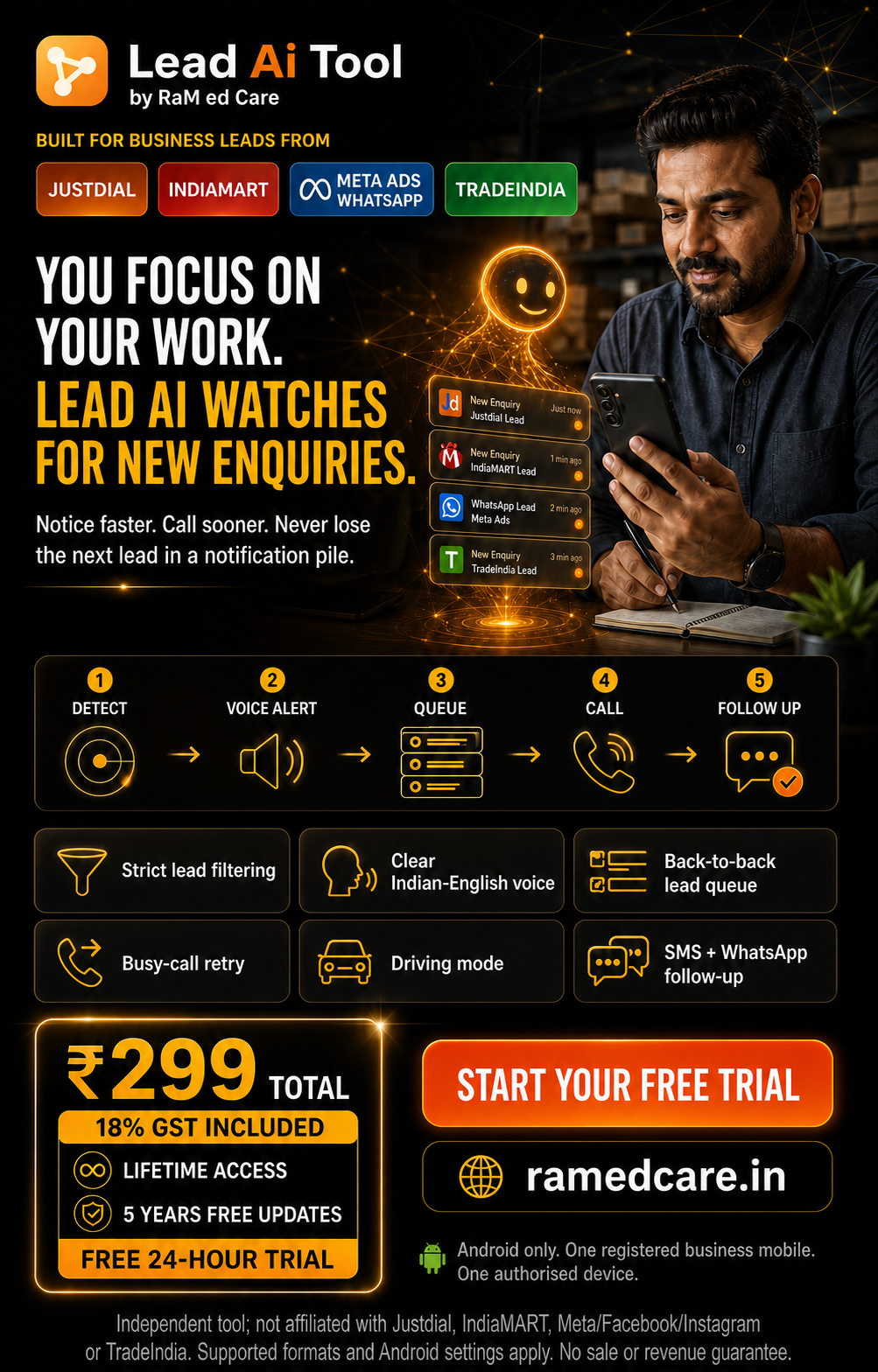
Business enquiries can come from Justdial, IndiaMART, Facebook or Instagram Ads, and TradeIndia. A lead may arrive while you are helping a customer, travelling, attending a meeting or doing another job. The notification can get hidden among normal messages. Opening it, finding the number and calling manually takes time.
A supported lead notification reaches your Android phone.
A repeating voice alert and ongoing notification bring the lead to your attention.
The customer call action appears without searching through many messages.
After a verified call, SMS sends automatically and WhatsApp Business opens the saved greeting for your approval.
Lead Ai reduces avoidable delay: it helps you act on genuine enquiries already sent to your phone. It does not buy or scrape leads, read email, or guarantee a sale. Meta Ads matching works only with the exact WhatsApp message you save in Lead Ai and when the notification shows the customer number. TradeIndia calling works only when its supported notification contains a valid customer number. Android and the phone maker control final lock-screen, voice, Silent and Do Not Disturb behaviour.
Lead Ai is designed for legitimate business enquiries received by the seller—not for bulk messaging, purchased lists or unrelated contacts.
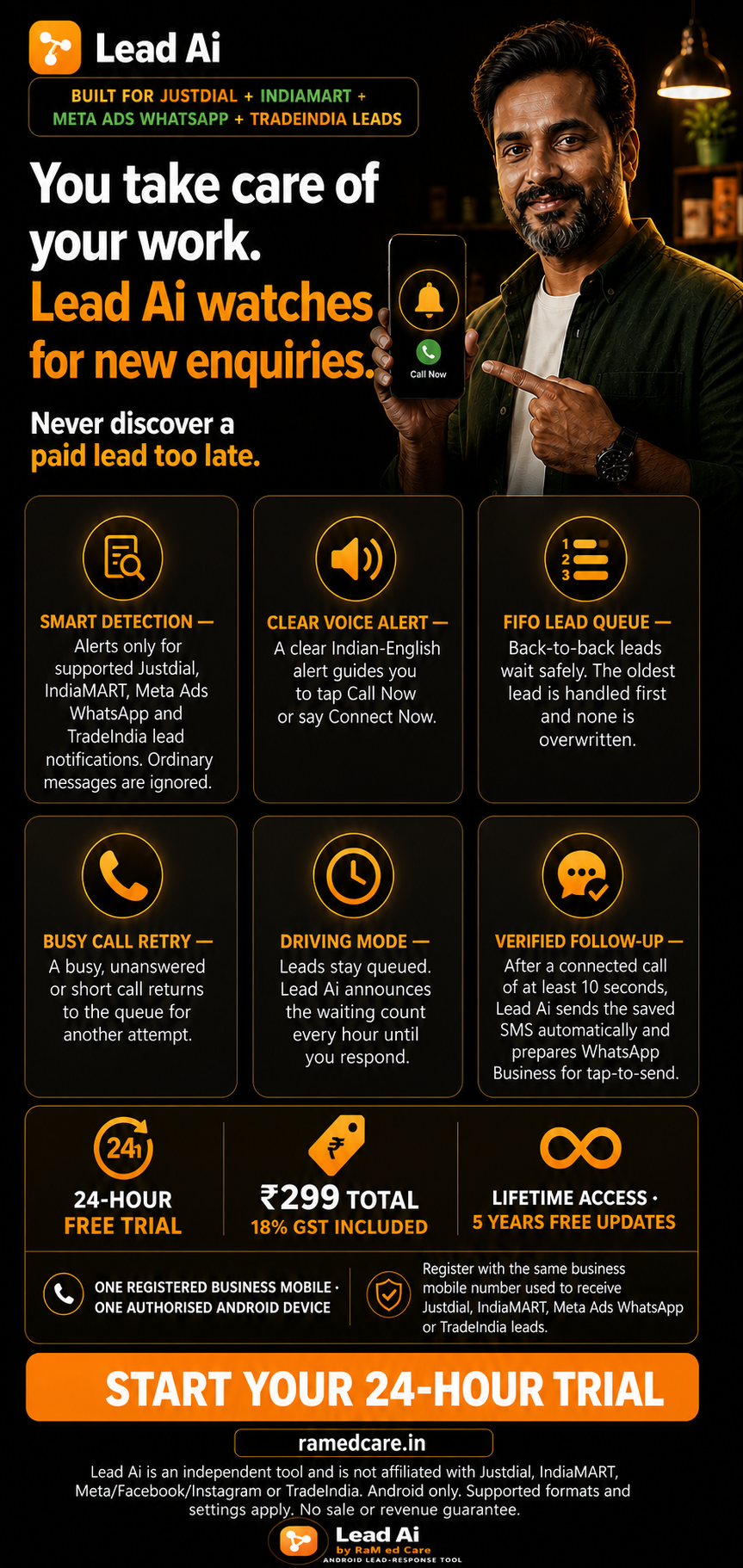
Checks supported app identity and current-message signals so blank, personal and unrelated notifications are ignored.
Repeats the selected installed Android voice and keeps a simple call action ready until the seller calls or dismisses the lead.
Recognised enquiries remain in oldest-first order. After one call ends, the next queued lead is announced and presented.
A short unconnected attempt returns to the queue without a greeting. After a verified call, SMS sends automatically and WhatsApp Business opens through a tap-to-send prompt.
Use the same business mobile that receives your Justdial, IndiaMART, Meta Ads WhatsApp or TradeIndia leads. Every valid request receives the official installation guide, whether the number is new or already registered. Requesting the guide does not start or restart the trial. The secure 24-hour timer starts only after you open Lead Ai Tool and verify this mobile online.
New numbers receive their first guide; registered numbers receive it again. This request never starts or restarts the Tool’s 24-hour timer.
Version 1.1.8 adds strict Meta Ads WhatsApp message matching and supported TradeIndia enquiry detection, plus a clear registration-mobile instruction. It also keeps the oldest-first queue, busy-customer retry, Driving Mode, qualified-call SMS, WhatsApp Business tap-to-send greeting, regional voice choice, secure one-device lifetime activation and authenticated one-tap activation. The 24-hour trial starts only after the first verified Tool launch.
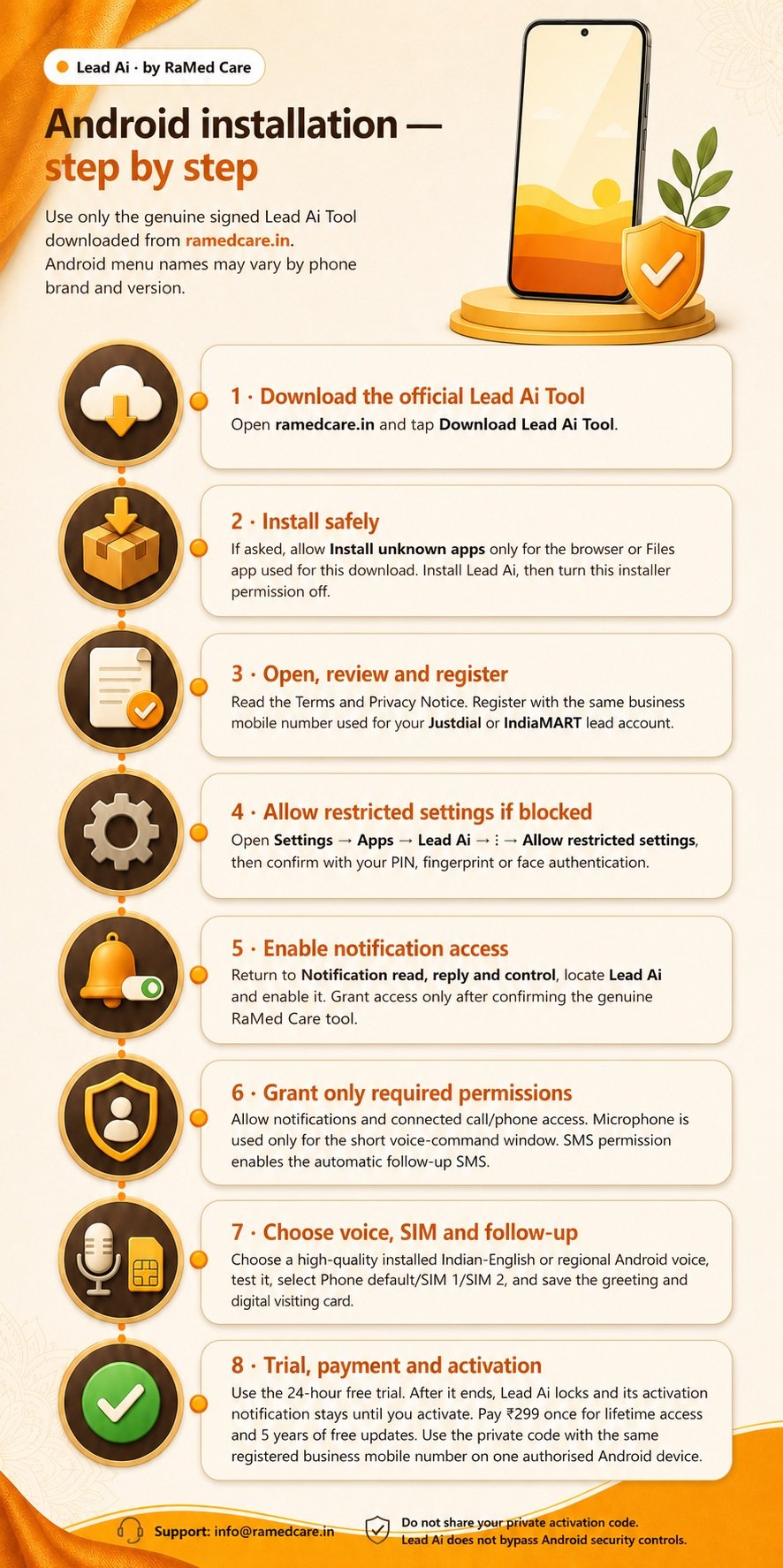
Use only the genuine Lead Ai Tool installation file and activation code supplied by RaMed Care. Settings names may vary slightly by Android brand and version.
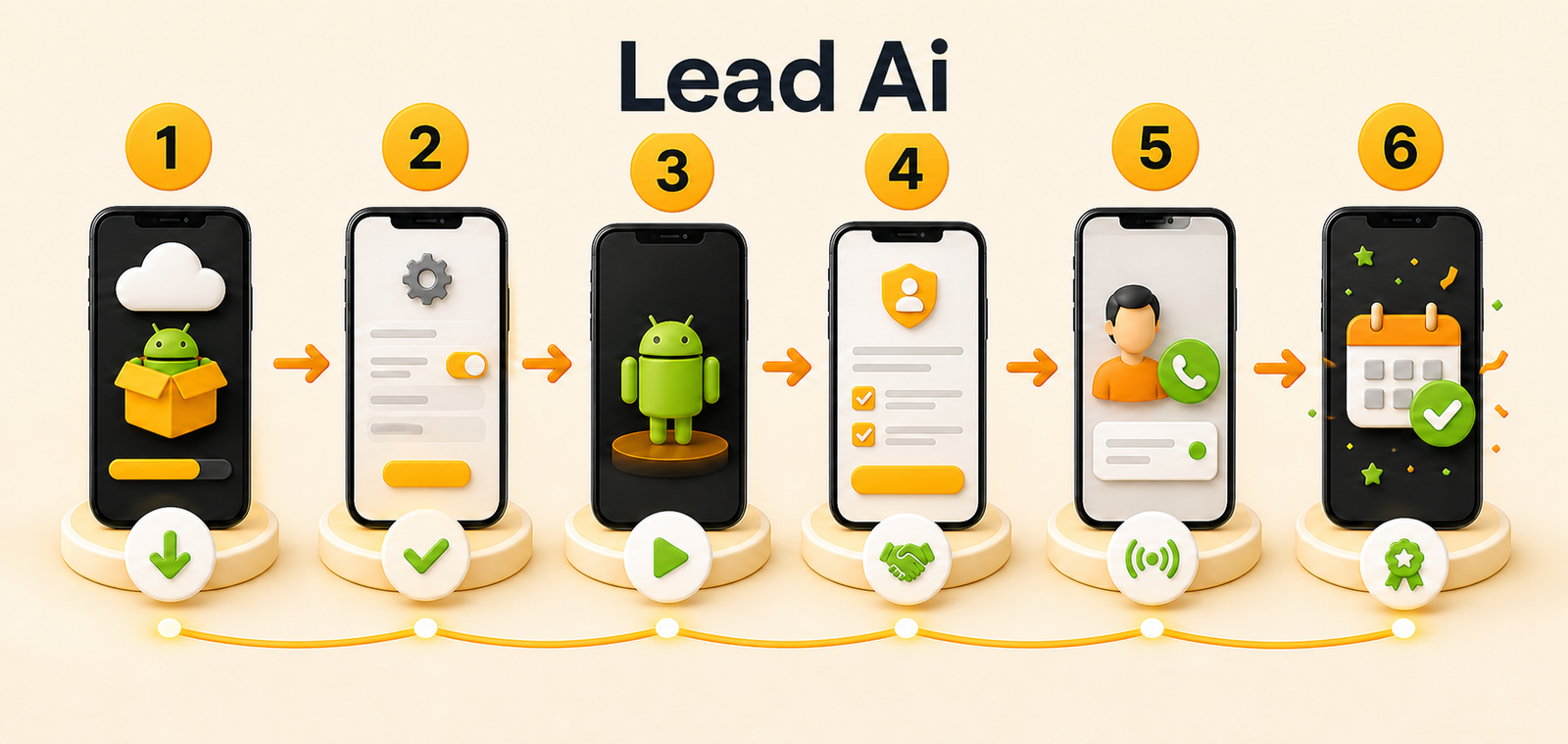
Download the commercially signed Lead Ai installation file only from the official RaMed Care page or authorised transfer supplied to you.
If Android asks, allow Install unknown apps only for the browser or file app used for this download. Install Lead Ai, then turn that installer permission off again.
Open Lead Ai, read the Terms and Privacy Notice, accept the required checkboxes and use only the mobile number that receives leads from your selected Justdial, IndiaMART, Meta Ads or TradeIndia account.
Tap Enable lead notification access, find Lead Ai in Android’s Notification read, reply and control screen and enable it.
Allow notifications and the documented call/phone permissions. Microphone is optional for the short call/connect command. SMS permission enables the automatic SMS greeting; WhatsApp Business itself controls the final WhatsApp Send action.
Select and test an installed phone voice, choose Phone default/SIM 1/SIM 2, and save the greeting plus visiting card used for SMS and WhatsApp Business.
If you use Facebook or Instagram Click-to-WhatsApp ads, paste the exact pre-filled customer message in Lead Ai and save it. Keep it empty if you do not use Meta Ads.
Test genuine leads, rejection of normal messages, queueing, voice alert, calling and follow-up on your actual phone. When the trial ends, Lead Ai locks and the activation notice stays until you act.
Enter your name, the same business mobile used for leads, and select your platform or platforms. Pay ₹299 total, inclusive of 18% GST, through the secure checkout. No GST is added at payment. After payment is confirmed, WhatsApp sends the private licence key and secure activation link.
A current notification is checked locally using the strict rule for its selected platform.
A high-priority ongoing notice, vibration and selected voice alert are requested from Android.
Tap the call action or use the documented short voice-connect flow; Android still requires normal device security.
If enquiries remain, the next queued lead is presented. After a verified call, SMS sends automatically and the WhatsApp Business tap-to-send greeting becomes available.
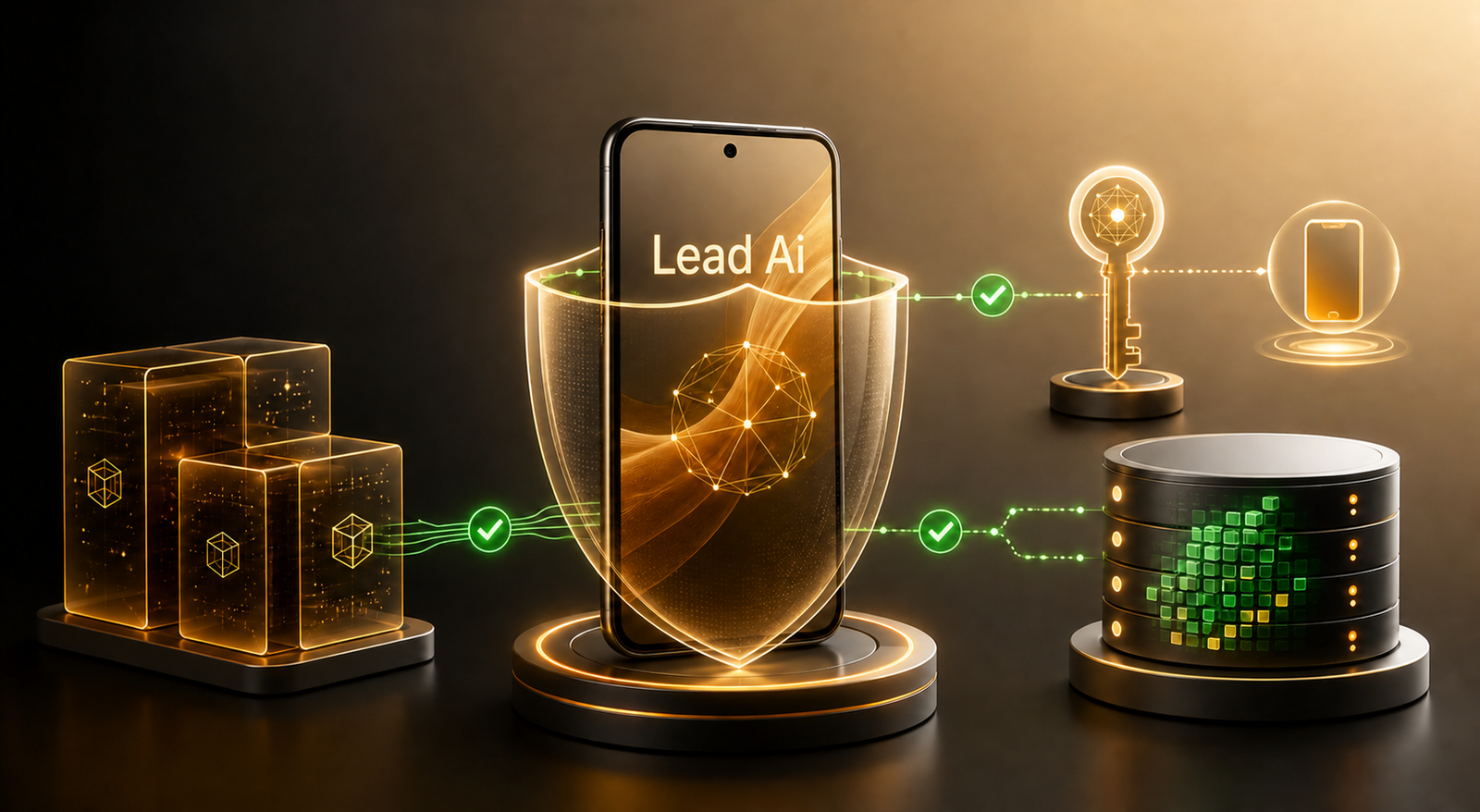
Lead Ai keeps lead handling separate from payment and licence activation.
Silent/Do Not Disturb behaviour, lock-screen presentation, battery restrictions, installed speech voices, speech recognition and dual-SIM routing remain controlled by Android and the phone manufacturer. Lead Ai does not bypass a secure screen lock or guarantee identical behaviour on every handset.
Pay ₹299 total for lifetime Lead Ai Tool access for one registered business mobile and one authorised Android device, with free product updates for 5 years. The price includes 18% GST; nothing extra is added at payment. RaMed Care GSTIN: 29FCUPM6704C2Z6.
No. It checks only current Android notifications after you grant Notification Access. Justdial and IndiaMART message alerts require their name and a valid customer number in the same message. Meta Ads requires the exact WhatsApp message saved by you plus the sender number shown in the notification. TradeIndia requires genuine enquiry wording and a valid customer number. Blank, personal, promotional, payment, account and unrelated notifications are rejected.
Yes. After Lead Ai verifies that the matching outgoing call connected for at least 10 seconds, the configured SMS sends automatically when SMS permission is enabled. Lead Ai also shows a WhatsApp Business greeting notification. The seller taps it to open the correct customer chat with the same greeting and visiting-card text prepared, reviews it, and presses Send. The installed WhatsApp Business app does not allow another Android app to silently press Send.
No. Lead notification processing and customer-lead number storage stay on the phone. For purchase and delivery, RaMed Care receives the seller’s name, WhatsApp number, subscription choice, consent, order/payment status, one-time code, installation code and app package. The licence binding uses a one-way seller-mobile hash.
No. The first valid redemption binds it to the registered business mobile and one current Lead Ai installation. The same mobile plus the original private key can move the licence to a replacement phone; the former phone is invalidated at its next online licence check. A different registered mobile is rejected.
Important: Use only the mobile number that receives your business leads from the platform or platforms you select—Justdial, IndiaMART, Meta Ads WhatsApp or TradeIndia. The same number must receive your Lead Ai WhatsApp messages. Lead Ai does not ask for any platform password.
Complete the short registration, confirm the matching business mobile, accept the Terms and transactional WhatsApp consent, and pay ₹299 total through the WooCommerce/Razorpay checkout. The ₹299 price already includes 18% GST, so no GST is added at payment. Only a gateway-confirmed paid order receives a code. WhatsApp delivers the private licence key with an authenticated RaMed Care link that activates Lead Ai on the registered Android phone. Keep the licence key private for future same-mobile device recovery.
No developer can guarantee that. Lead Ai requests a prominent ongoing alert, voice and vibration, but Android, Do Not Disturb access, volume, battery policy and manufacturer software make the final decision.
Lead Ai does not silently open the microphone or bypass the lock. Depending on the edition and Android version, the seller taps the documented voice-connect action and completes normal fingerprint, face or PIN authentication before dialing.
Lead Ai offers India’s 22 scheduled-language selections. Clear speech depends on a compatible voice installed in the phone’s selected text-to-speech engine; download and test the desired voice during setup.
The seller can choose Phone default, SIM 1 or SIM 2. When a manufacturer does not expose direct SIM routing, Android may use the phone default or show its normal SIM chooser.
No. Lead Ai is an independent RaMed Care business workflow tool. Justdial, IndiaMART, Meta, Facebook, Instagram and TradeIndia belong to their respective owners. Their names are used only to explain compatibility. Detection may need an update if a platform or Android changes its notification format.
Email info@ramedcare.in. Developer and legal entity: RaMed Care, 282 KHB Colony, Belagavi, Karnataka, India.
At ₹299, Lead Ai Tool costs less than many monthly mobile recharge plans—and there are no recurring software charges. Get lifetime access for one registered mobile and one authorised device, plus five years of free updates.